 CYC Photon PRO
 CYC Photon Gen2
 CYC X1 Pro Gen4
 Bafang BBSHD
 E-Bike motors BESTSELLER


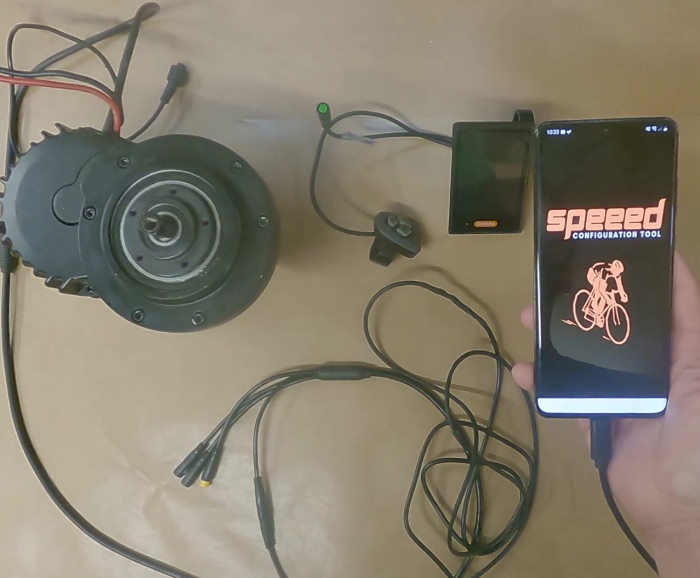
Set up your Bafang BBS from your phone: the EggSPEED app

For years the answer to „can I tune my Bafang without a laptop?“ came with an asterisk. The Android app SPEEED did the job, but it disappeared from the Play Store in early 2025 — and everyone was back to a Windows machine and the Bafang config tool.
Since August 2026 there is a replacement: EggSPEED, a free Android app by the Polish developer SpotRobotics. It takes the same route as the desktop tool — straight to the controller over the USB programming cable.
What it does
- Reads and writes the settings of the UART versions of BBS01, BBS02 and BBSHD: assist levels, current and speed limits, start-up behaviour and throttle parameters.
- Works with both firmwares — the factory Bafang firmware and the open bbs-fw by Daniel Nilsson. You switch between them in the settings.
- Live cockpit while riding: a dashboard shows the controller’s values in real time, turning your phone into an extra display.
- Saved profiles: one for the road, one for the trail — switch instead of retyping every field.
- Free, no ads, source code published on GitHub.
What the app looks like
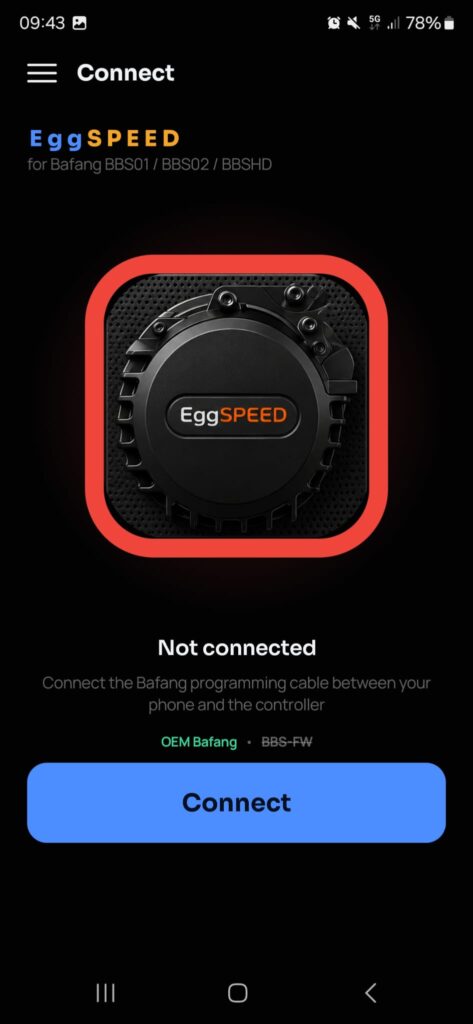
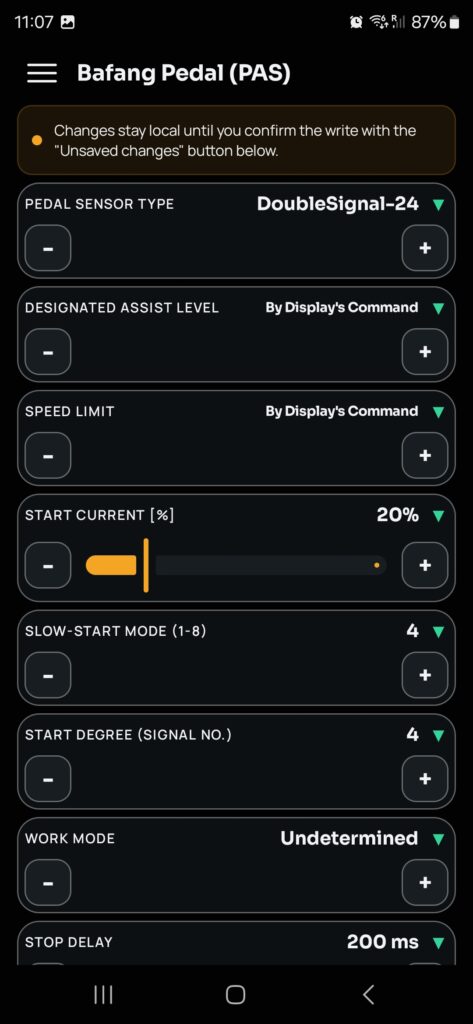
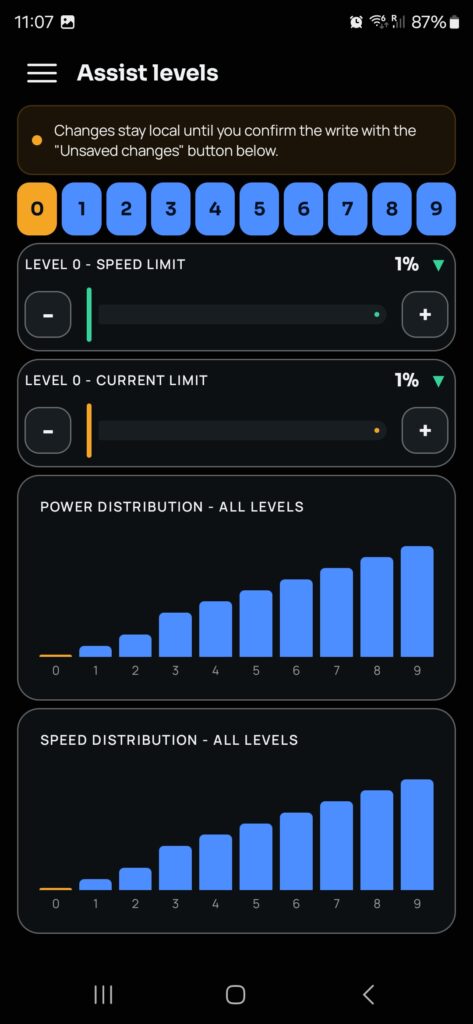
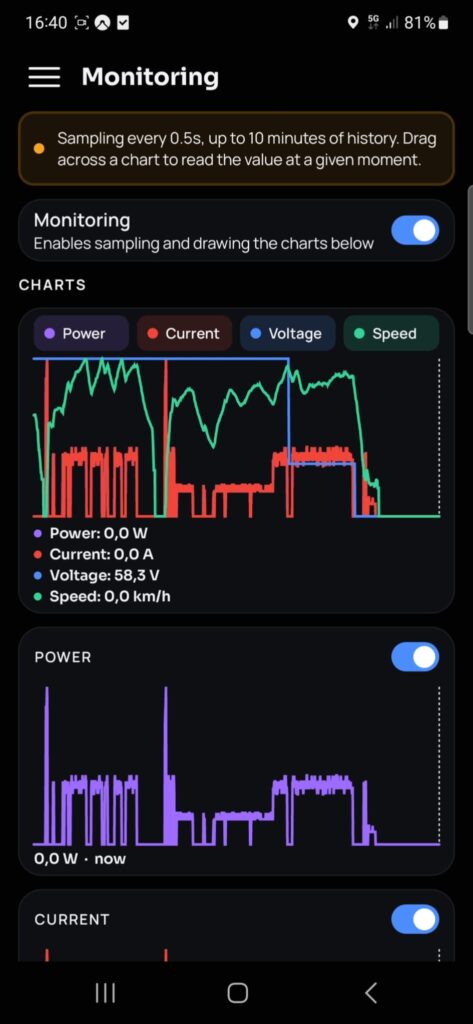
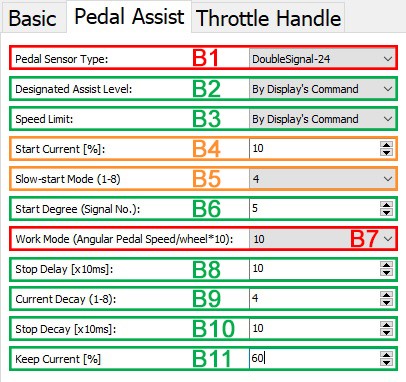
Left to right: connect, pedal-sensor settings, assist levels, live monitoring. Screenshots: SpotRobotics / EggSPEED, used with the developer’s kind permission.
What it does not do
- No firmware flashing. The app only handles the configuration. Changing the firmware itself still needs a computer — or you leave it to us as a firmware update.
- No Bluetooth yet. The developer has announced it; for now it is cable only.
- Mid-drives only. Bafang hub motors and CYC motors are not supported.
- On bbs-fw the motor temperature always reads 0 °C — a known display glitch.
What you need
- An Android phone running 8.0 or newer with USB host (OTG) support. There is still no solution for iPhones.
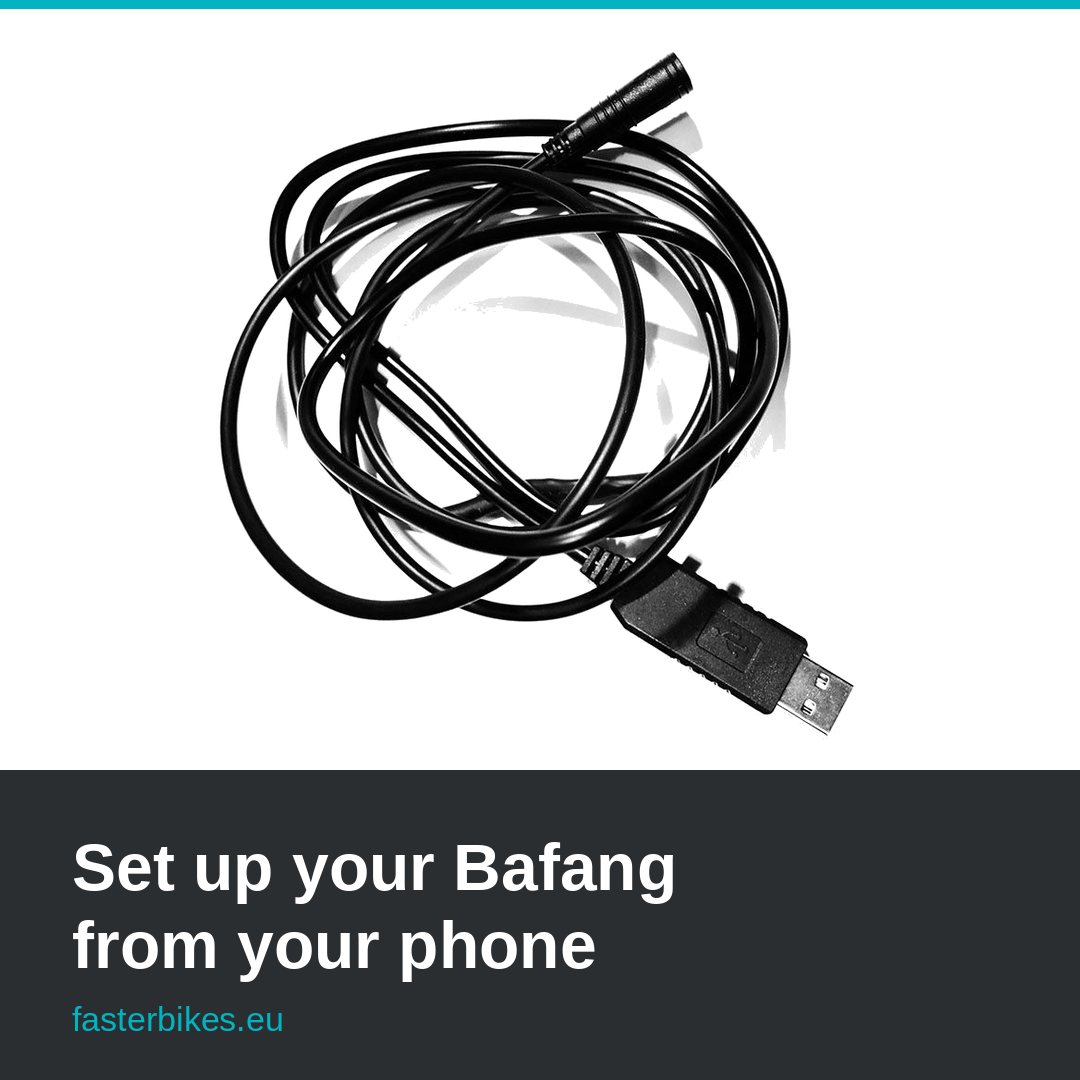
- Our Bafang programming cable — green 5-pin HiGo plug into the harness, USB on the other end, 2 m long.
- A USB-C to USB-A OTG adapter if your phone has USB-C. Keep it simple: a plain adapter that passes the data lines through. Not every multiport dongle does.
The app is on the Play Store under the name EggSPEED.
Four steps at the motor
- Save what you have. Read the current configuration and store it before you change anything. That file is your way back.
- Plug in. With the system off, connect the HiGo plug to the harness, attach the phone through the OTG adapter, then switch the battery on.
- Connect and read. Android asks once for permission to use the USB device. After that the app reads the configuration.
- Change, write, ride. Change a few values at a time and take a short test ride in between — that way you know which change did what.
If it will not connect
- Some phones want the adapter first and the cable second.
- Powered hubs and charging dongles often get in the way; a plain adapter works better.
- The motor needs power — without the battery the controller stays silent.
- If nothing happens at all, check cable and motor the classic way on a computer.
Our take
EggSPEED closes a gap that stood open for a year and a half. If you fine-tune your own BBS build, this is the most convenient option going: the cable is in your toolbox anyway and the phone is always with you. If you would rather have a permanent display on the bars that does the same job, the EggRider V2 is still a solid choice.
The app is young and moving fast. If you try it with our cable, drop us a line about how it went — we will add your findings to this post.
EggSPEED is a pure hobby project: free, no ads, no data collection. If the app helps you, the developer appreciates a rating on Google Play.
Last updated: September 2026.