
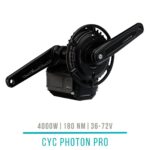
 CYC Photon PRO
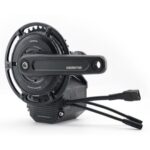 CYC Photon Gen2
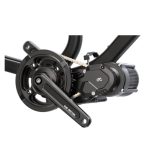 CYC X1 Pro Gen4
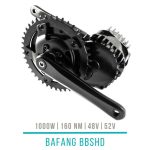 Bafang BBSHD
 E-Bike motors BESTSELLER


Verfügbar – Lieferzeit: 3-7 Werktage
181,50 € incl. VAT, plus shipping In stock (can be backordered) Payment methods:
Hot
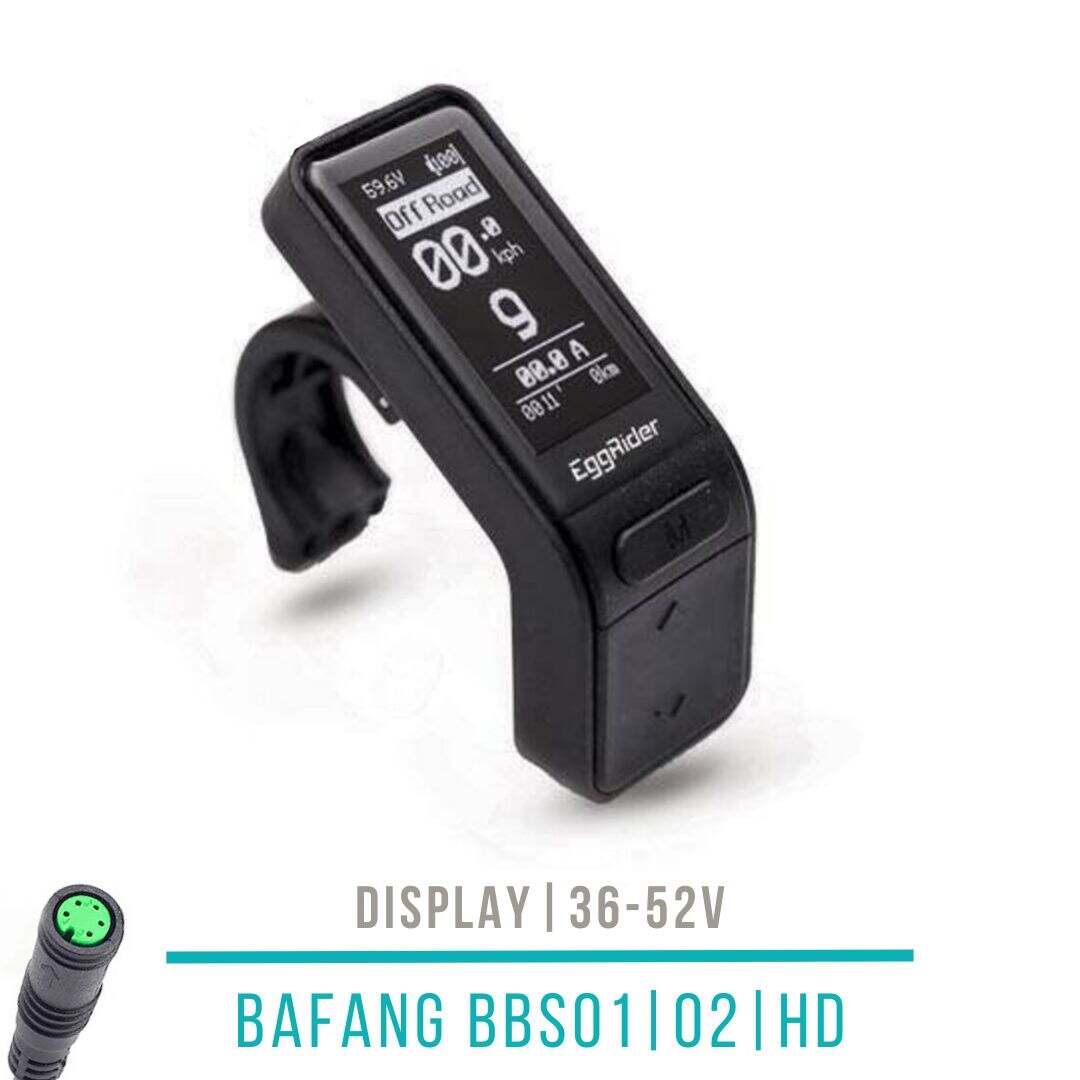
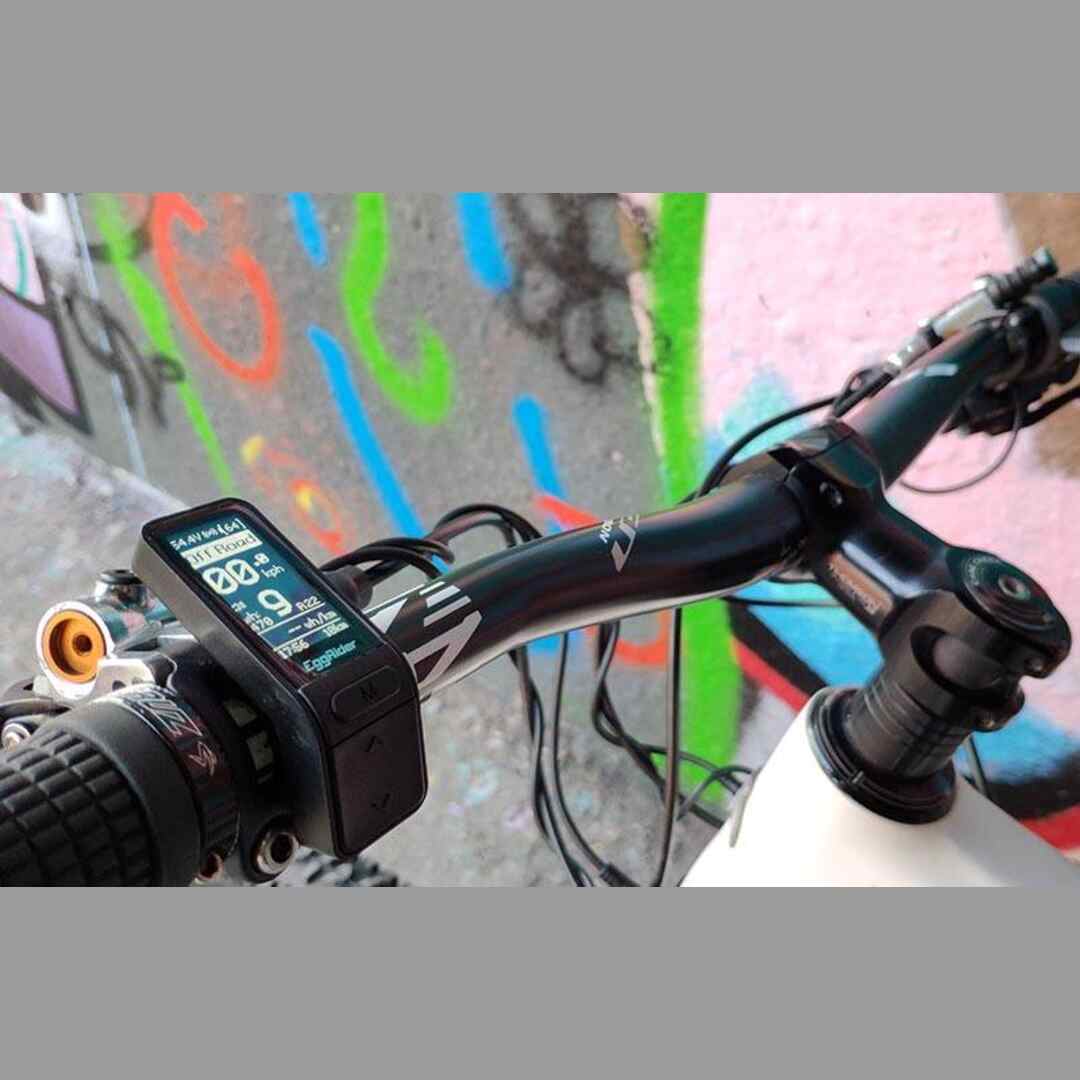
Bafang BBS Display Eggrider V2 Bluetooth
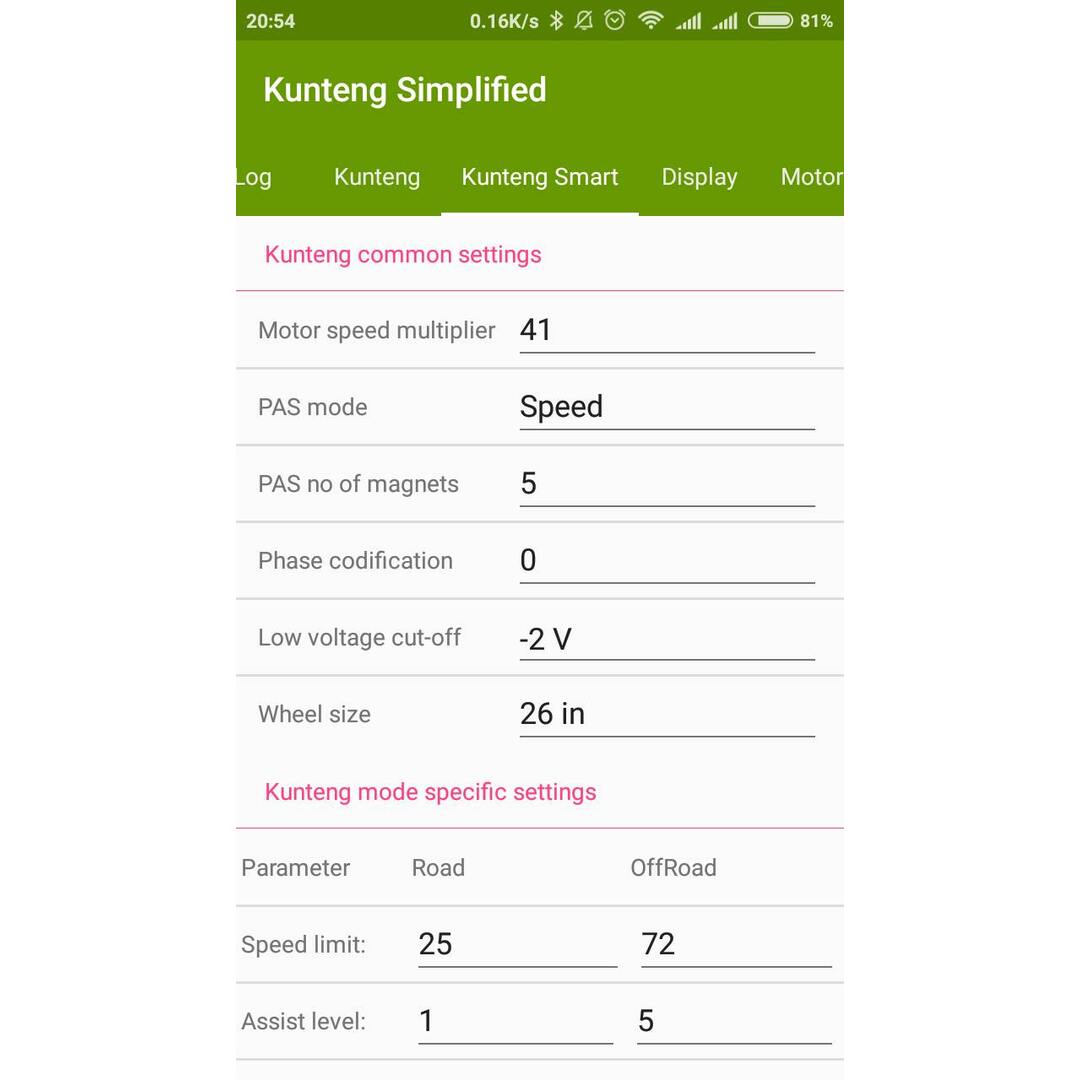
The intelligent display with many features: 2 driving profiles (road and off-road) | Motor settings via smartphone app | This version is compatible with Bafang mid-engines.
All prices include EU import duties and sales tax — no additional payment required upon delivery (applies to deliveries within the EU)
Shipped from the EU warehouse
Advice and warranty service through your dealer in Austria

Kompatibel mit Bafang BBS01, Bafang BBS02, Bafang BBSHD, Bafang mid-drive motors Nicht kompatibel mit CYC motors, Mate-X, Wheel runner Brand EGGRIDER
B/W display with 2 driving profiles and smartphone app
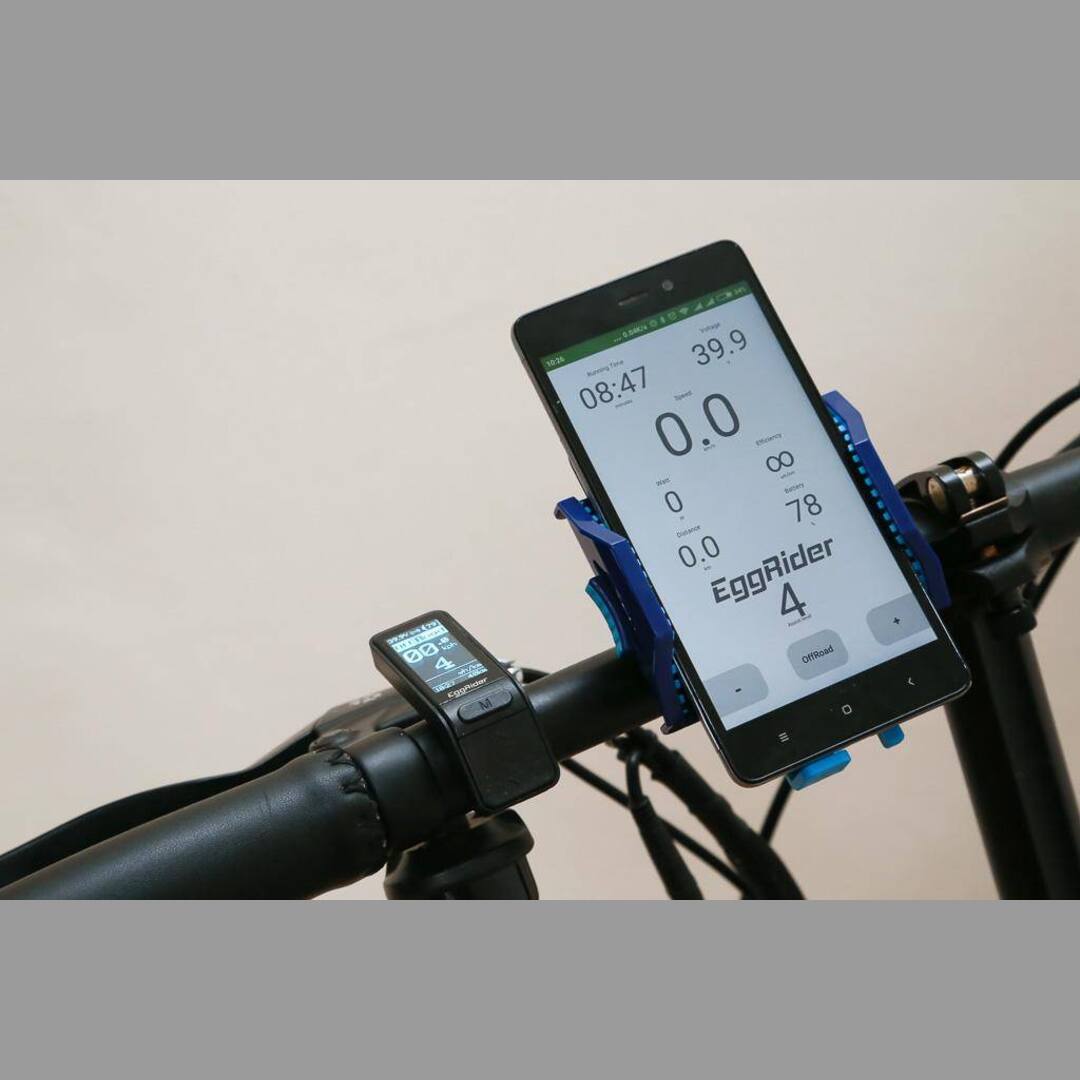
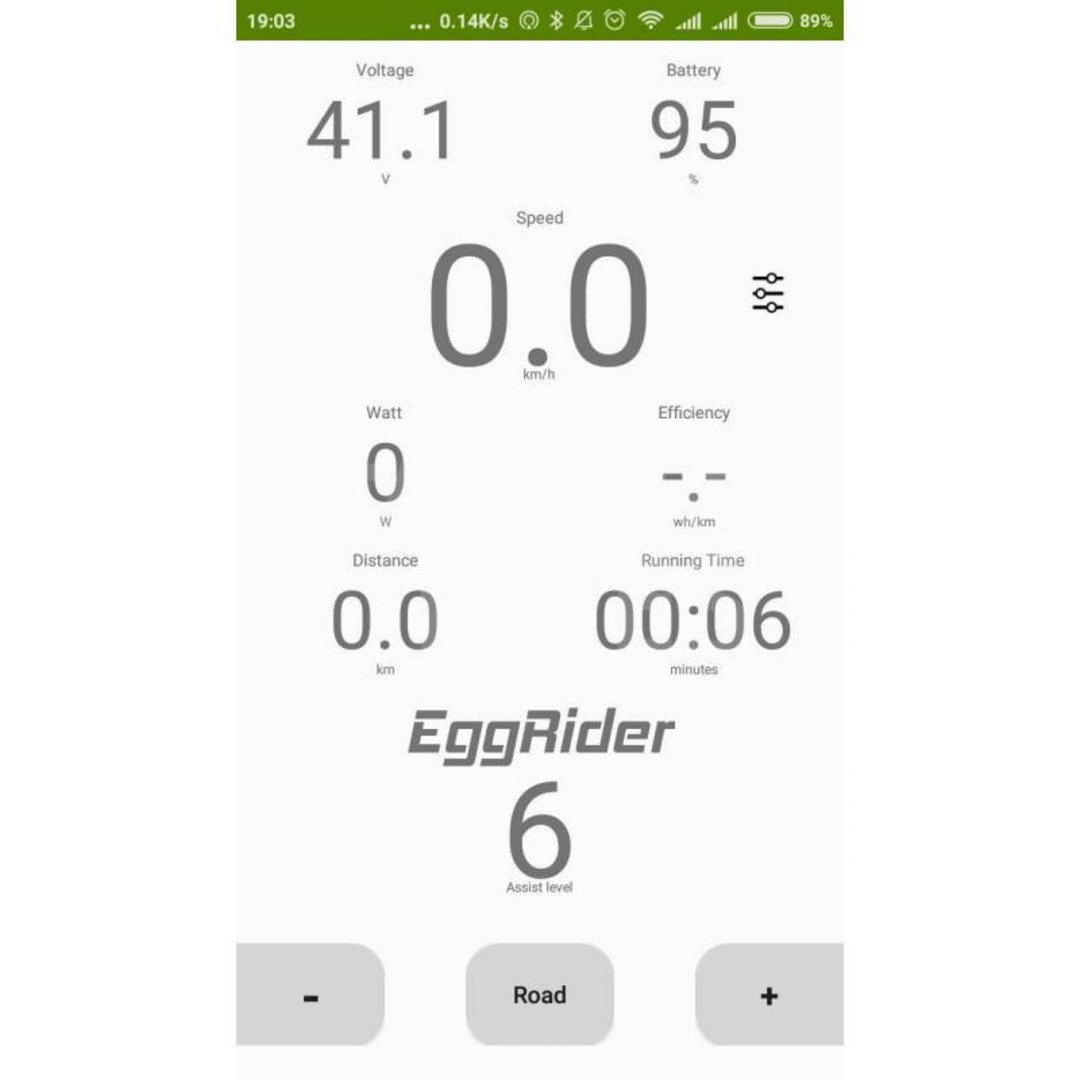
Main features of the Eggrider display: small, intelligent, on- or off-road mode, Bluetooth for a smartphone connection with its own app and regular updates!
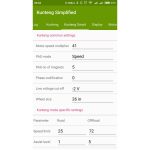
All motor parameters can be edited from a smartphone without a programming cable.
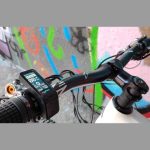
- Compact design ensures a tidy handlebar (L x H x W = 70 x 40 x 25 mm, 31 g, handlebar Ø 22.2 mm)
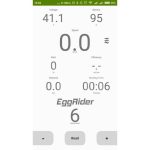
- OLED screen with the most important information without having to start the mobile app
- Integrated buttons for changing the assistance level, as well as the quick mode switch Road / OffRoad
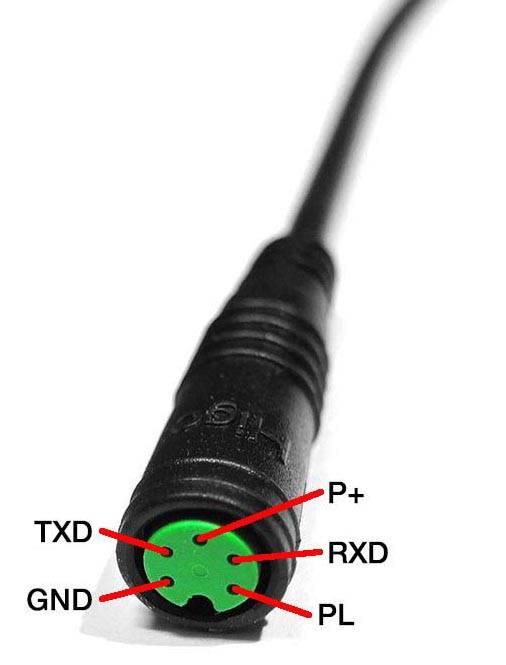
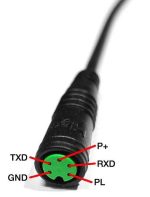
- Compatible with the green 5-pin round HIGO plug
- Voltage measurement between 20V and 60V
- Bluetooth LE for low power consumption
- Mobile app for Android or iOS – for more statistics and motor programming
- Compatible with Bafang mid-drive motors
- Driving statistics / data
- Dust and water resistant, protection class IP65
- Learning battery indicator
The screw connection of the Eggrider display should not be too tight, otherwise there is an increased risk of breakage.
Eggrider display compatible with the following Bafang models:
- Bafang BBS01 250W/350W/500W/750W
- Bafang BBS02 250W/350W/500W/750W
- Bafang BBS03/BBSHD/LUNA 750W/1000W/1500W/2500W/Ludacris
- Bafang Ultra
- Bafang Max
The smartphone app is available for IOS and Android.
The Facebook group is recommended for quick manufacturer support.
You can find more information, apps and updates on the manufacturer’s website:
- Display firmware
- Android app in the Play Store: EggRider Android
- iOS app in the Apple Store: EggRider iOS
- Operating instructions in pdf format
When connecting for the first time, follow the instructions in the app to keep the firmware up to date and activate the display. Store name is FasterBikes and Order ID is the order or receipt number.
The display firmware update can now be carried out very easily via the smartphone app: Simply swipe to the right in the SEARCH menu item on the bike (see 2nd video below).
The firmware and smartphone app should always be up to date at the same time. The firmware version can be found below the EggRider logo at the start and the app version under “Info”.
Here you can find our video with explanations of the individual functions, including activation and update. It is now easier to update the display – simply go to the SEARCH menu item in the app.
Views: 729
Customer ratings
Related products
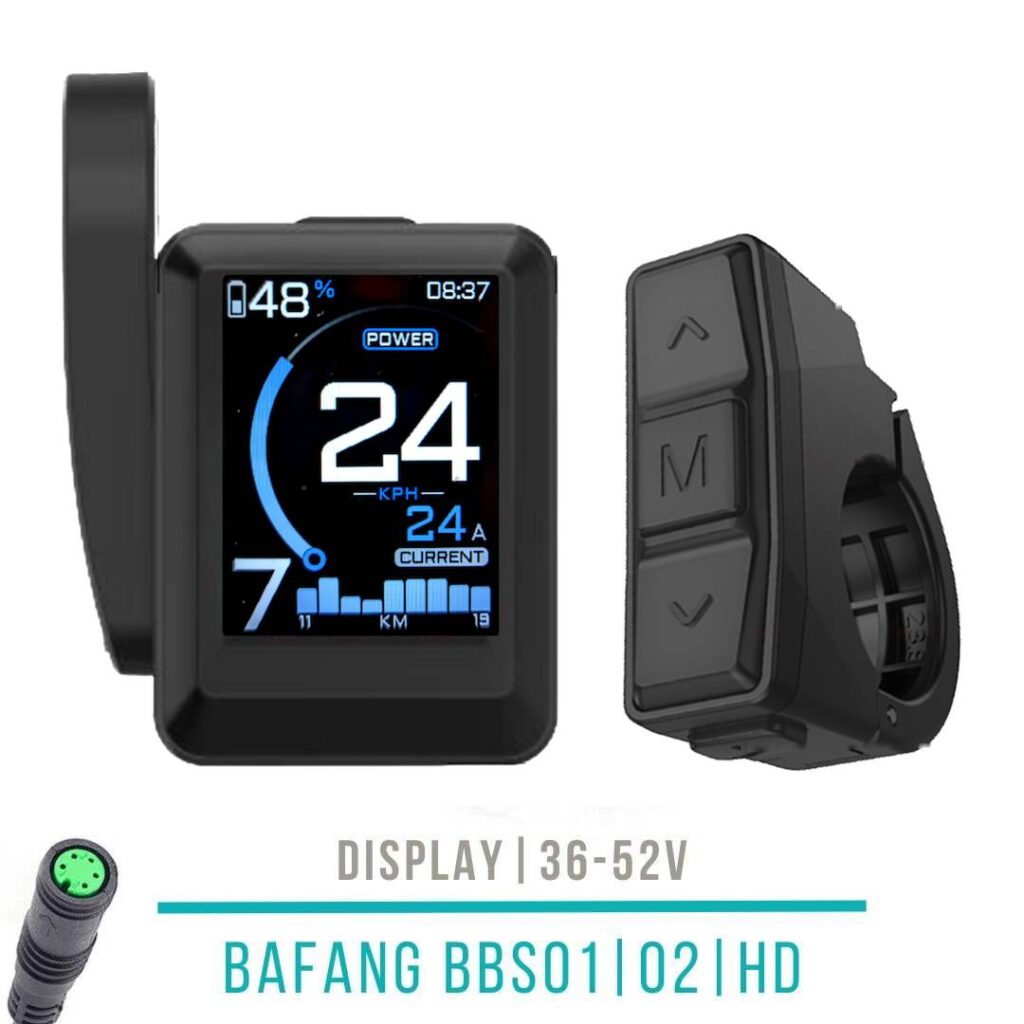
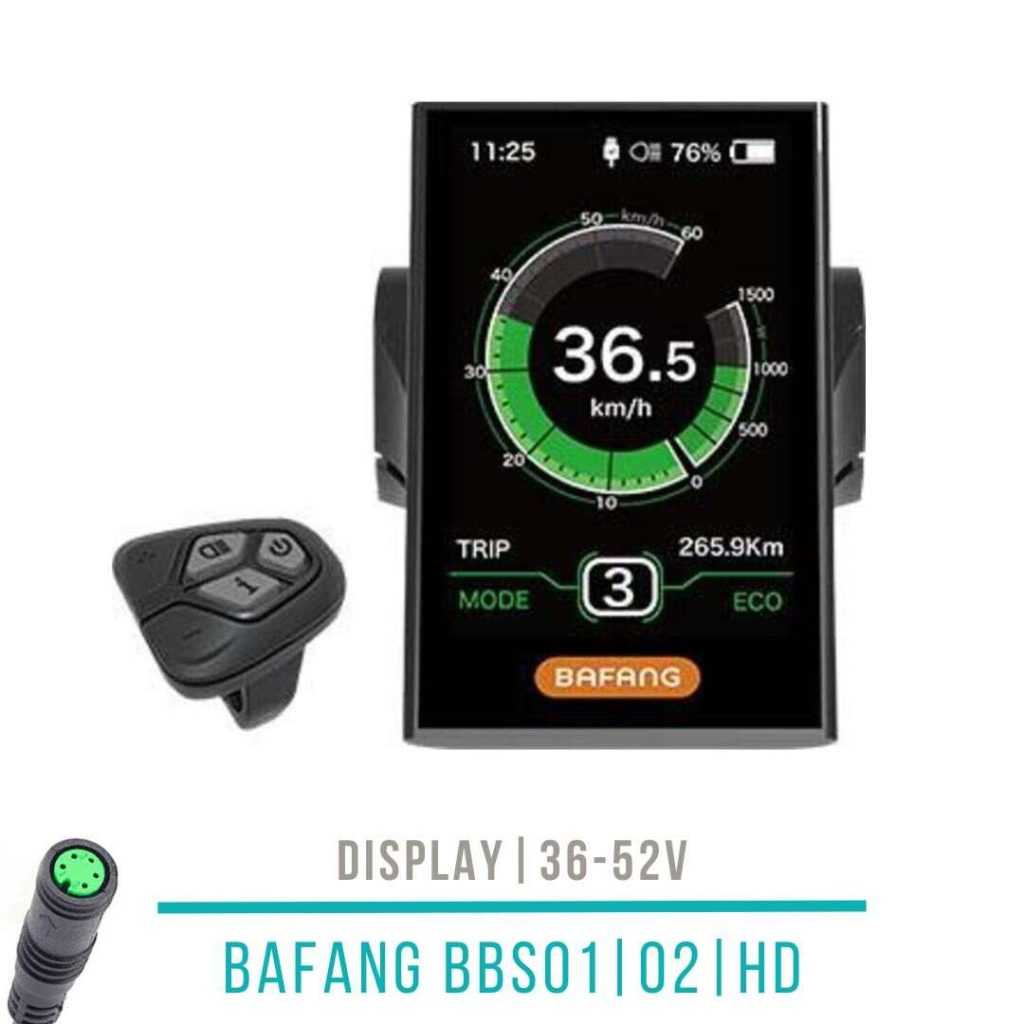
Bafang BBS Display DPC18 with 5-button remote control
131,09 € incl. VAT, plus shipping In Kürze lieferbar
-50% Sold out
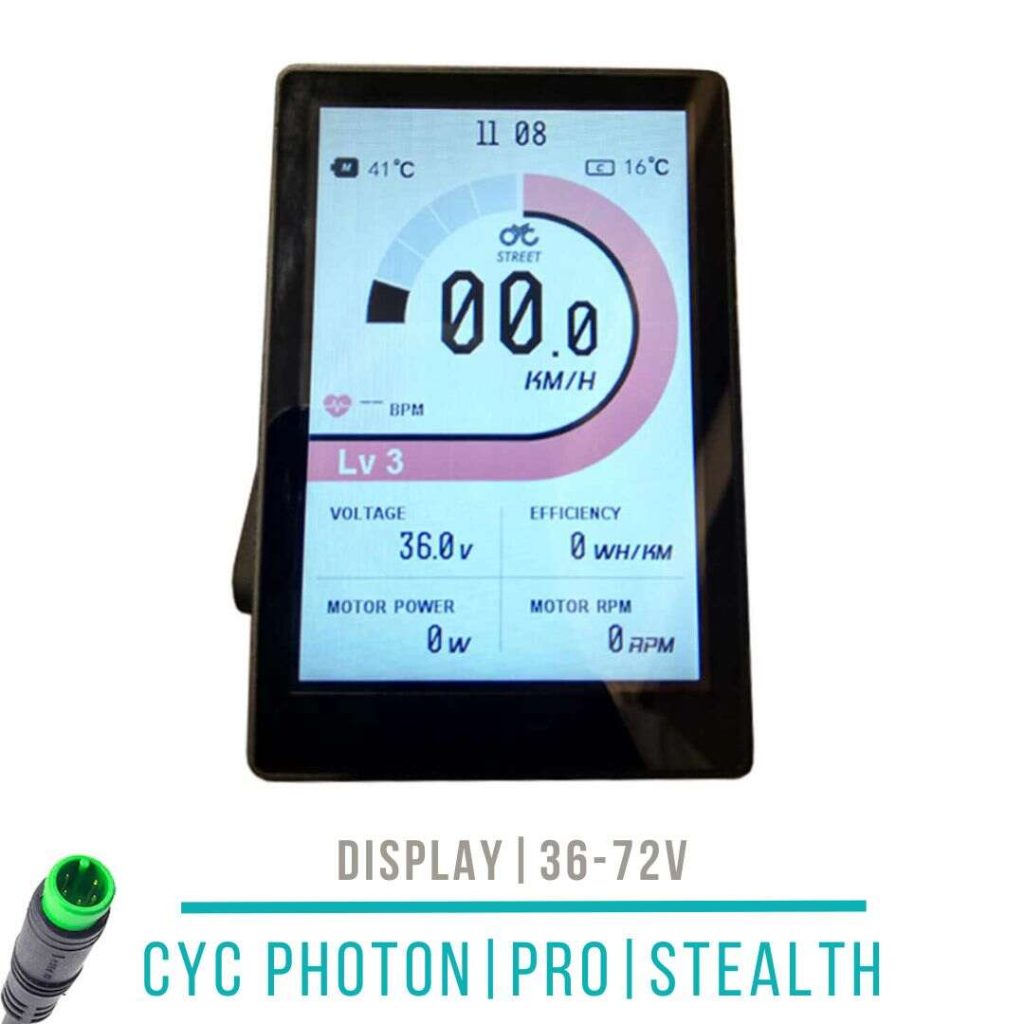
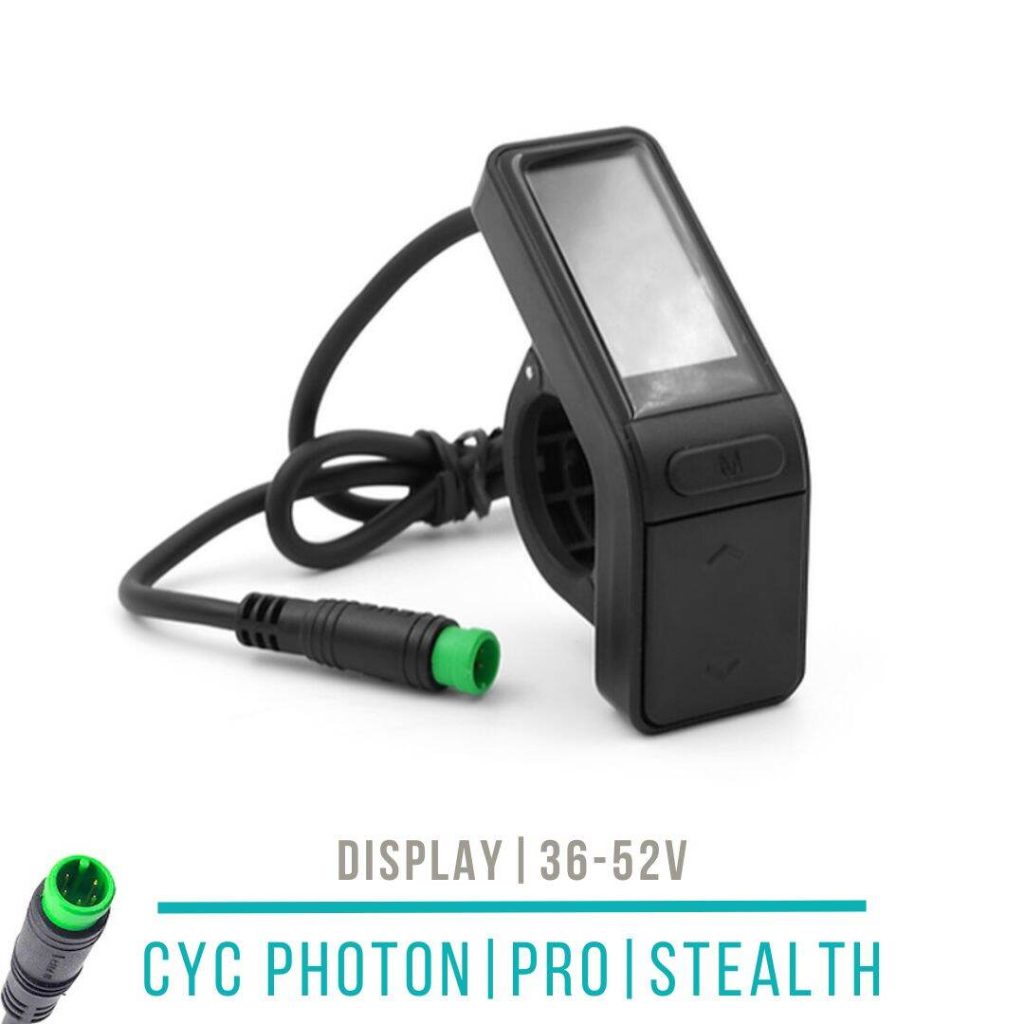
CYC X1 Display APT 500c 36-52V
Original price was: 141,17 €.70,00 €Current price is: 70,00 €. incl. VAT, plus shipping Nicht vorrätig
Reviews
There are no reviews yet.