
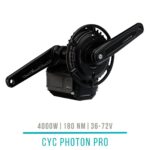
 CYC Photon PRO
 CYC Photon Gen2
 CYC X1 Pro Gen4
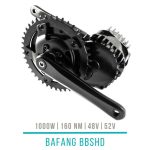 Bafang BBSHD
 E-Bike motors BESTSELLER


Verfügbar
Original price was: 33,26 €.25,00 €Current price is: 25,00 €. incl. VAT, plus shipping Payment methods:
-25%
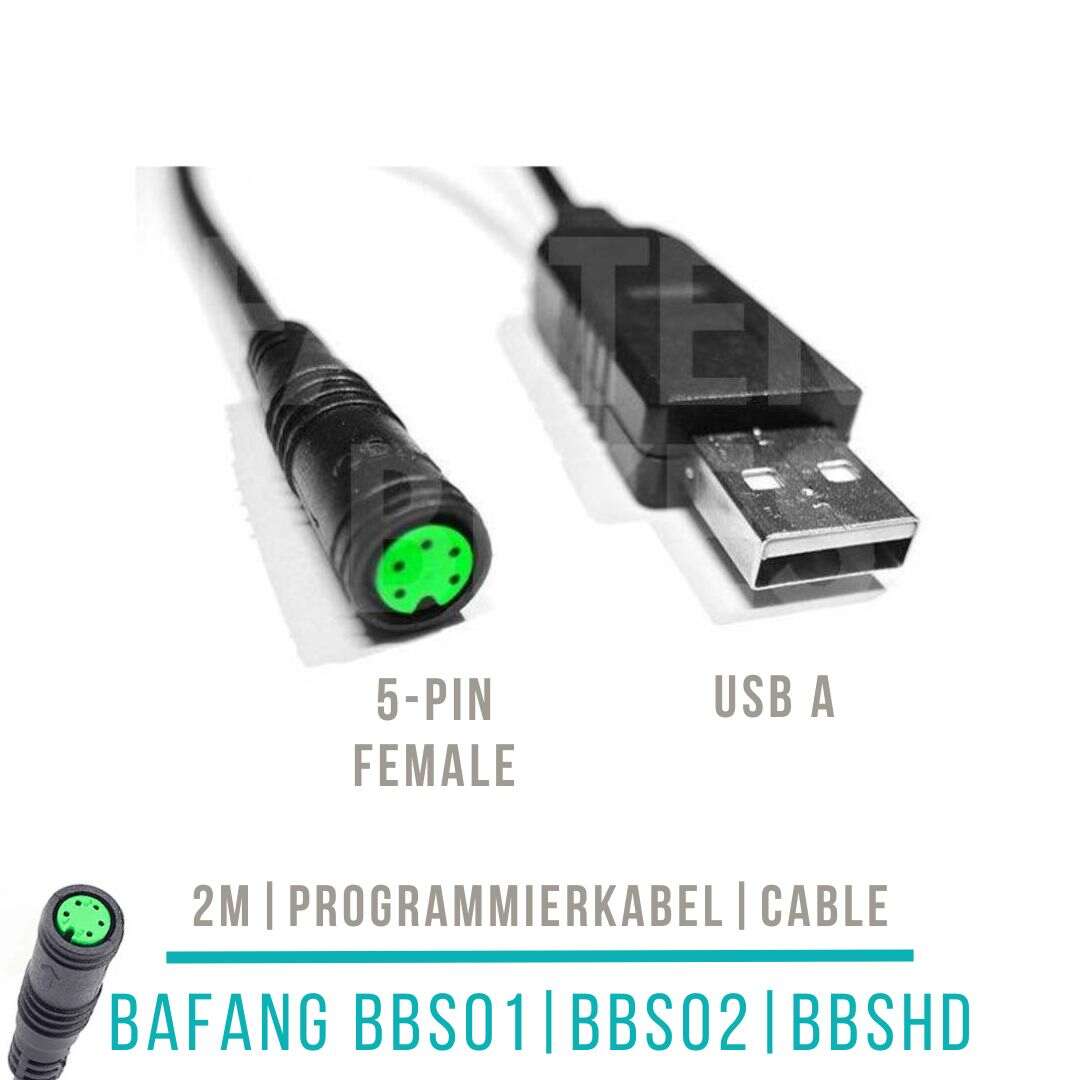
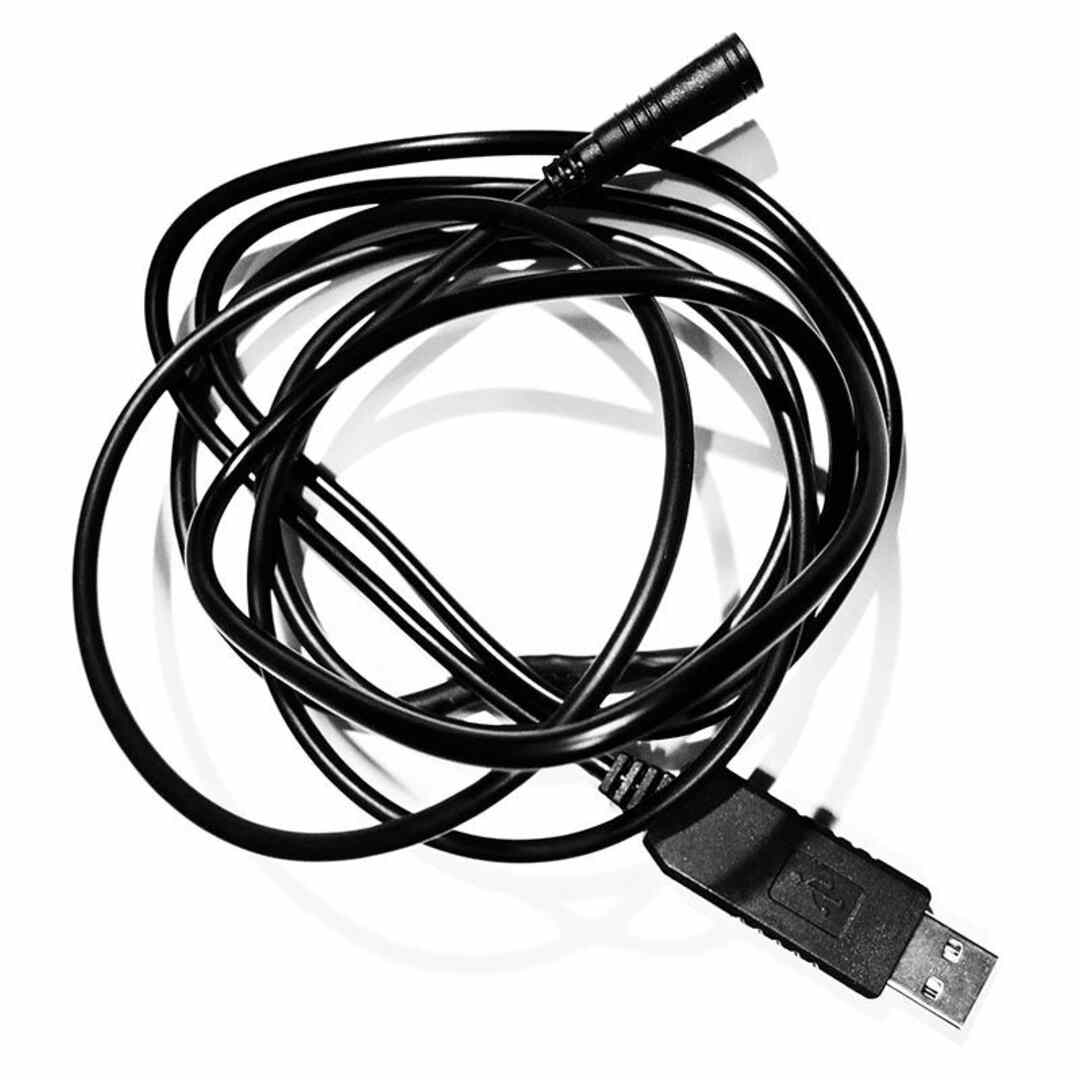
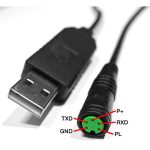
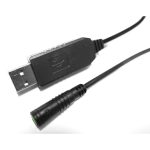
Bafang BBS programming cable USB
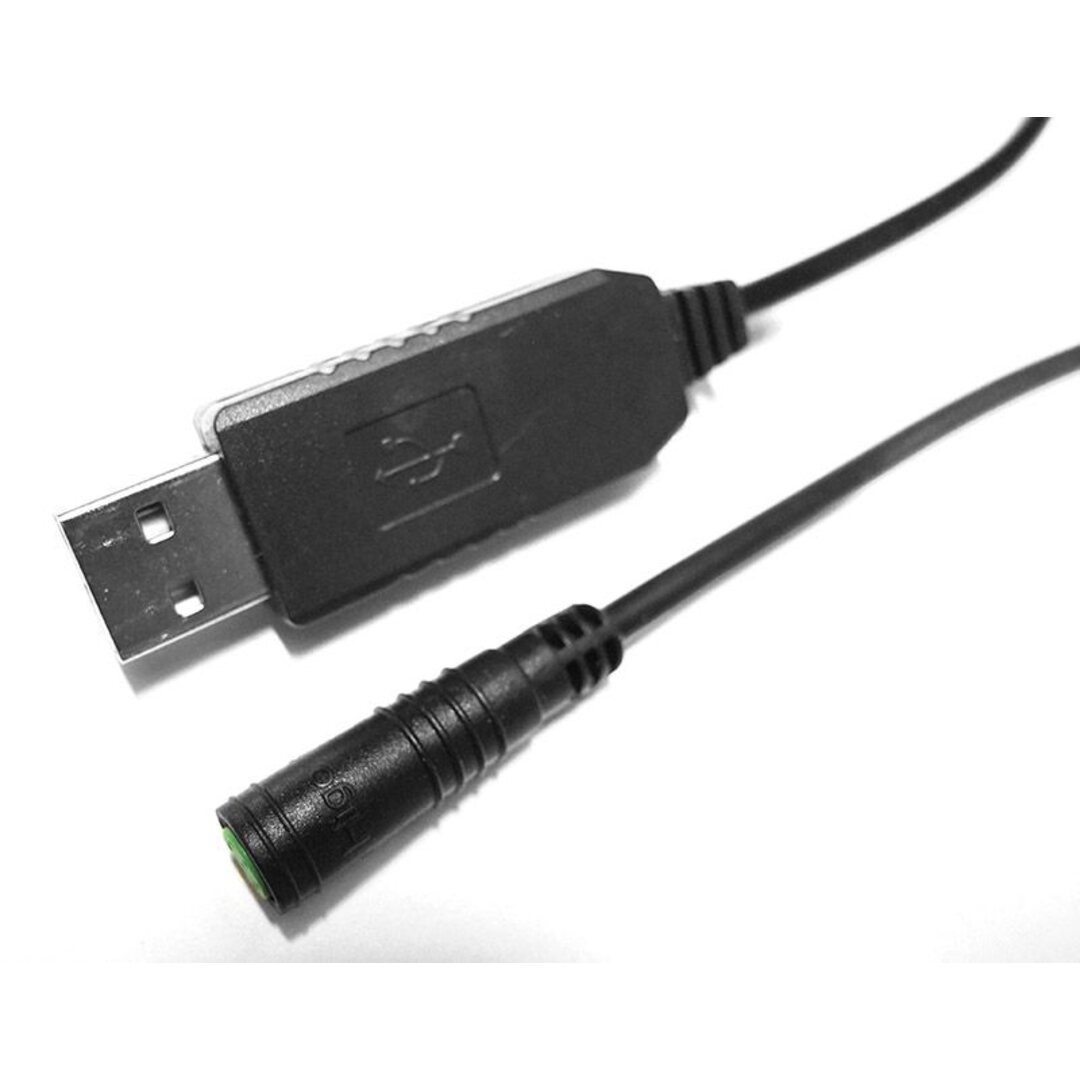
2m long cable for changing motor settings.
All prices include EU import duties and sales tax — no additional payment required upon delivery (applies to deliveries within the EU)
Shipped from the EU warehouse
Advice and warranty service through your dealer in Austria

Kompatibel mit Bafang BBS01, Bafang BBS02, Bafang BBSHD Nicht kompatibel mit Bafang hub motors, CYC motors Typ / Verwendung Programming cable
Programming cable for adjusting the controller values - compatible with Bafang BBS01, BBS02 and BBSHD!
- With a comfortable length of approx. 2 m – so you don’t have to stand right next to the bike!
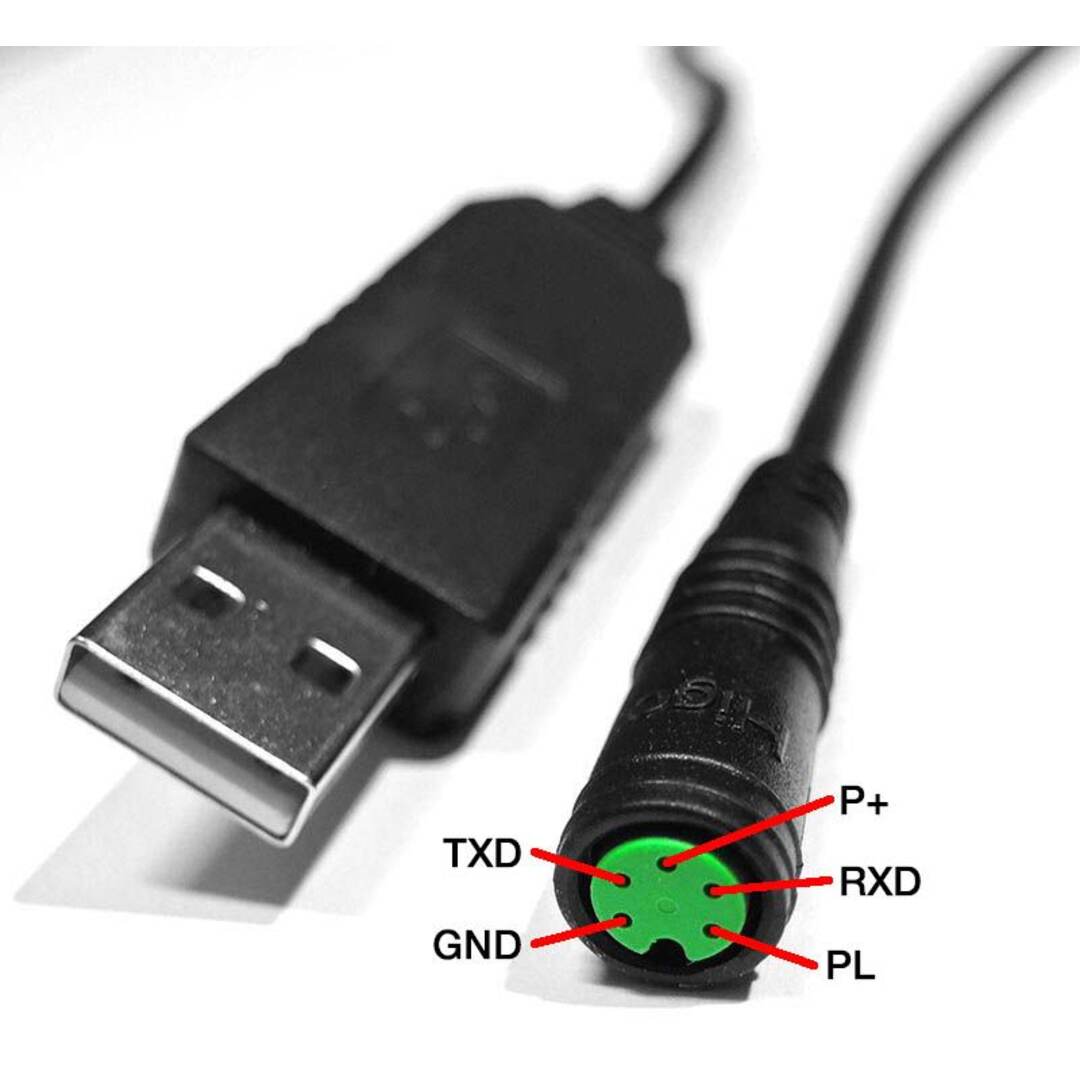
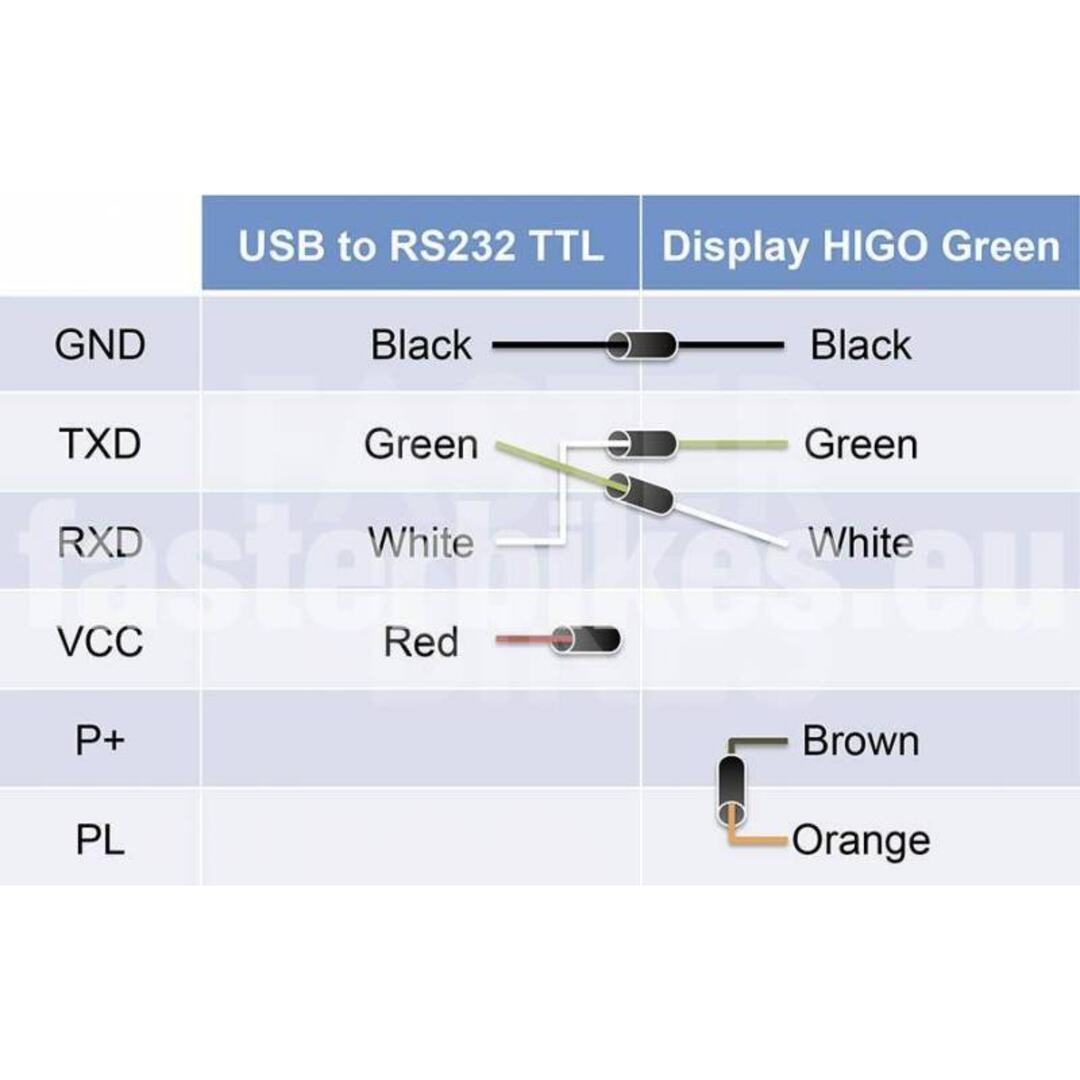
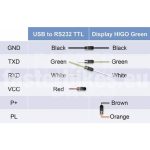
- Green 5-pin HIGO socket on one side (main cable harness), USB to UART PL2303TA on the other side (laptop)
- Every single programming cable is checked by us for functionality before sale (by the way, we use Windows 10)
- You can find the required software in the download area
- This cable can also be connected to the smartphone using an adapter (changes via smartphone app – see video below)
The green HIGO socket is connected to the main wiring harness instead of the display and is therefore connected to the controller. The battery remains plugged in during the programming process. The driver should install automatically (if not, we have linked some in the download area ). The software must be run as administrator (file properties or right-click). Connect computer and controller with “Connect”. After a successful connection, we recommend that you follow the following sequence: first click on “Read”, then change all the desired parameters, and then confirm/save again using “Write”. This saves the changed values on the controller.
Here you will find our explanations of the individual values and further tips.
This programming cable can also be used to change the controller values via the smartphone app. However, this requires a corresponding adapter cable from USB to the appropriate smartphone port (USB-C on the new smartphones). This allows the motor values to be conveniently adjusted on the move and without a laptop. You can see how this works in the video below.
The HIGO cable available from us can also be used to make this programming cable yourself or to use the Bafang BBS motor without display. To do this, the orange and brown wires must be connected together. The motor can be used via the throttle lever or PAS sensor, but without power adjustment. This can be defined with the programming.
If you have no connection to the controller (or incorrect values), then it is usually due to the driver. It is best to open the Device Manager and see if there is a call sign next to USB. Windows 10 in particular installs the drivers itself, but sometimes not the correct ones. It can also be due to the COM ports to make them all available, look at this thread – at the bottom, Stefan has the solution.
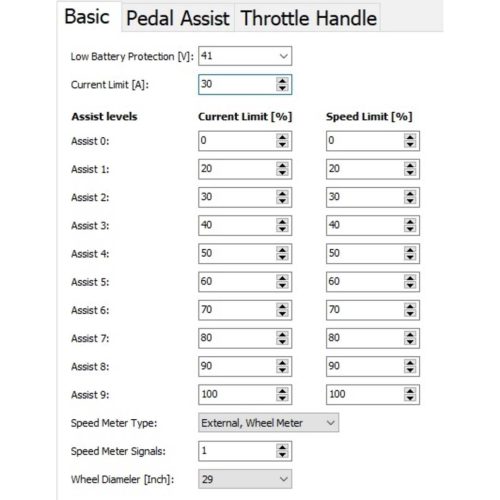
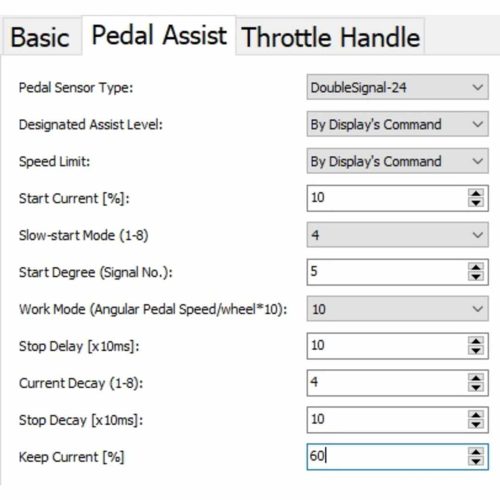
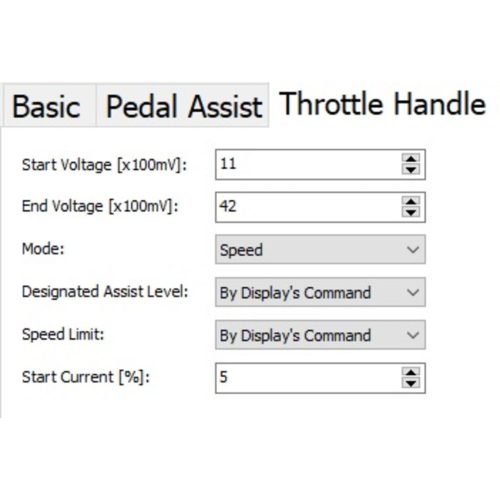
The following parameters can be changed:
Views: 590
Customer ratings
6 reviews for Bafang BBS programming cable USB
Related products
-76%
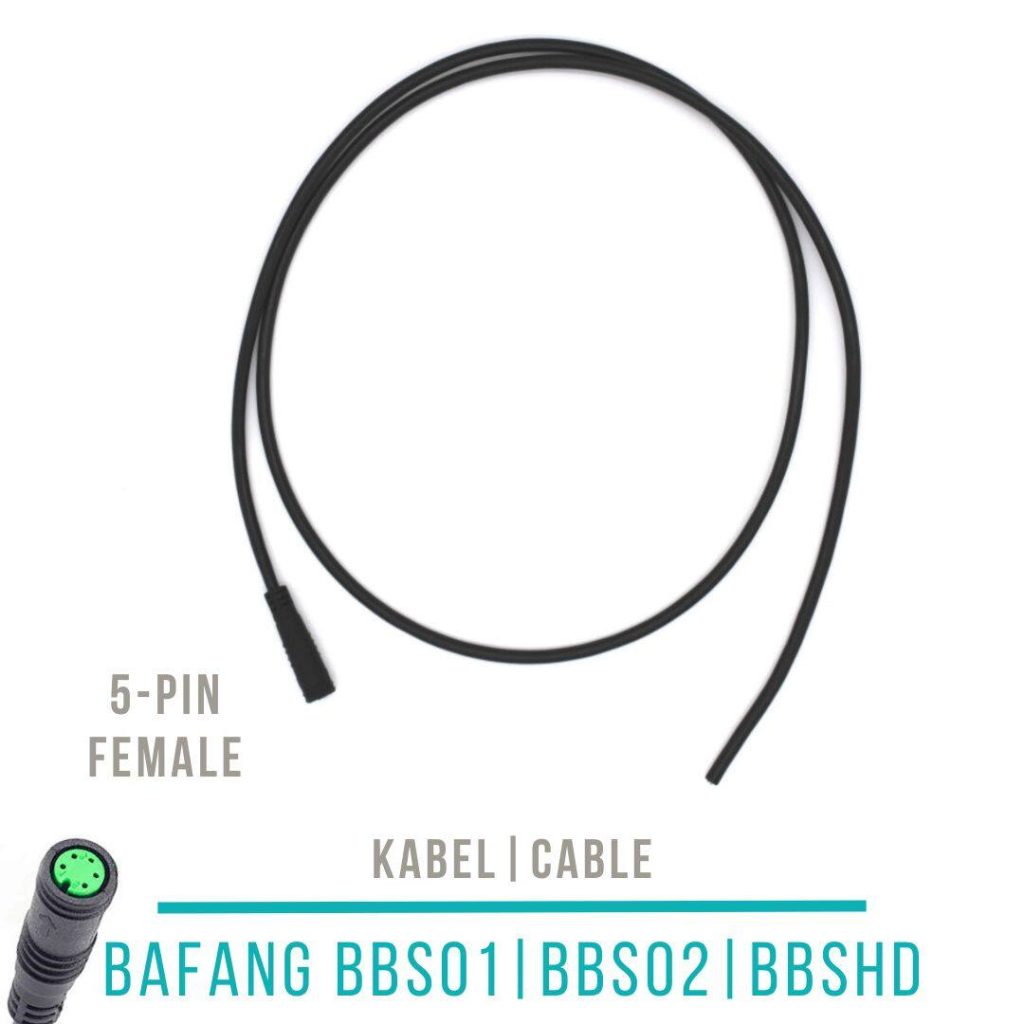
5 Pin FIG Cable
Original price was: 8,05 €.1,90 €Current price is: 1,90 €. incl. VAT, plus shipping Verfügbar
-70%
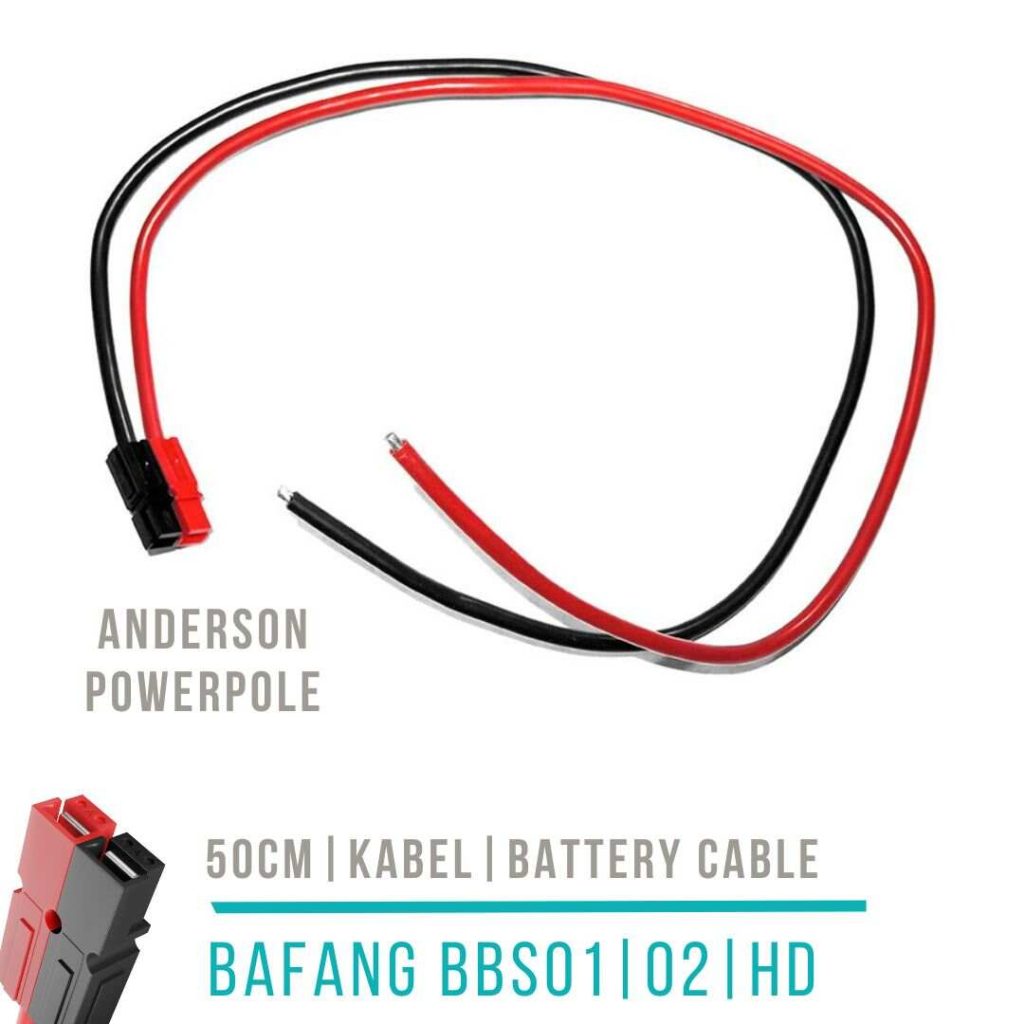
Anderson Powerpole cable as counterpart to the controller
Original price was: 5,03 €.1,50 €Current price is: 1,50 €. incl. VAT, plus shipping Verfügbar
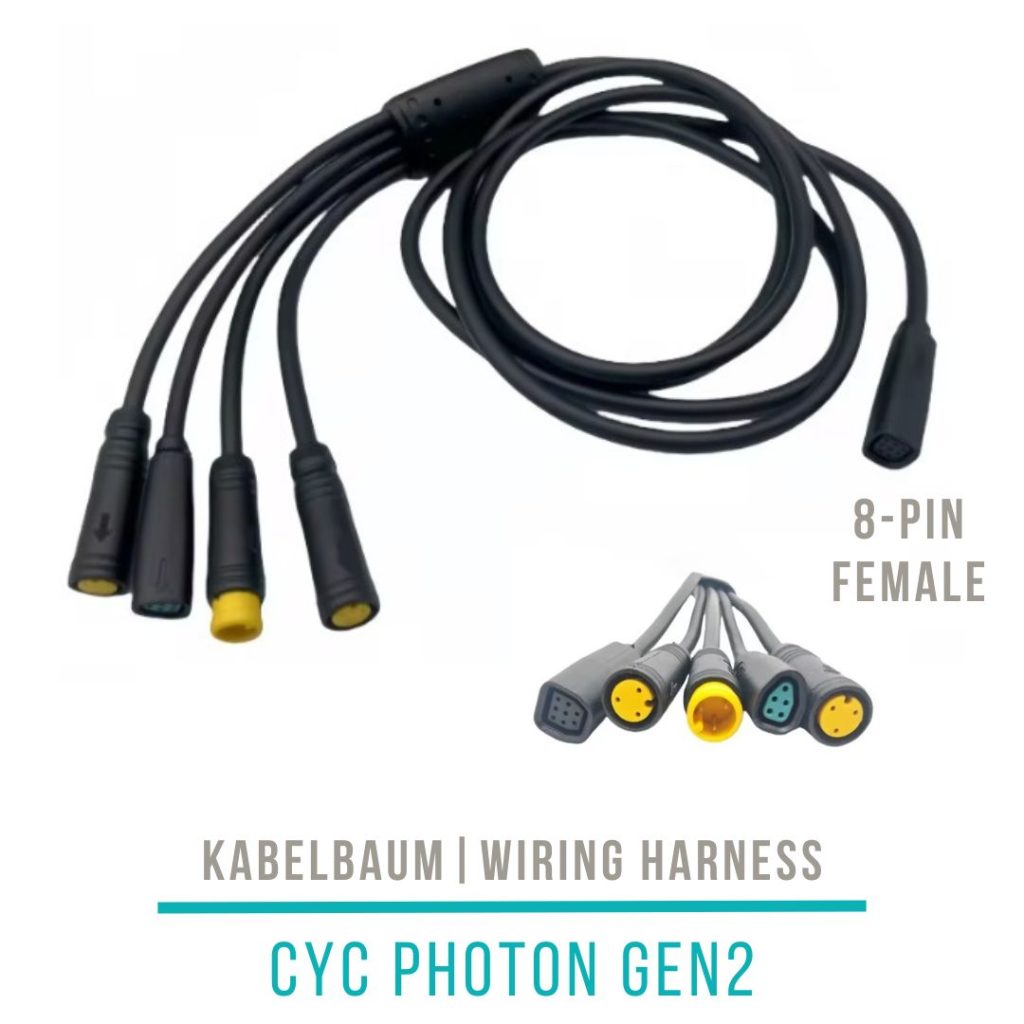
CYC Main Wiring Harness (CANbus)
Price range: 42,00 € through 42,25 € incl. VAT, plus shipping Verfügbar
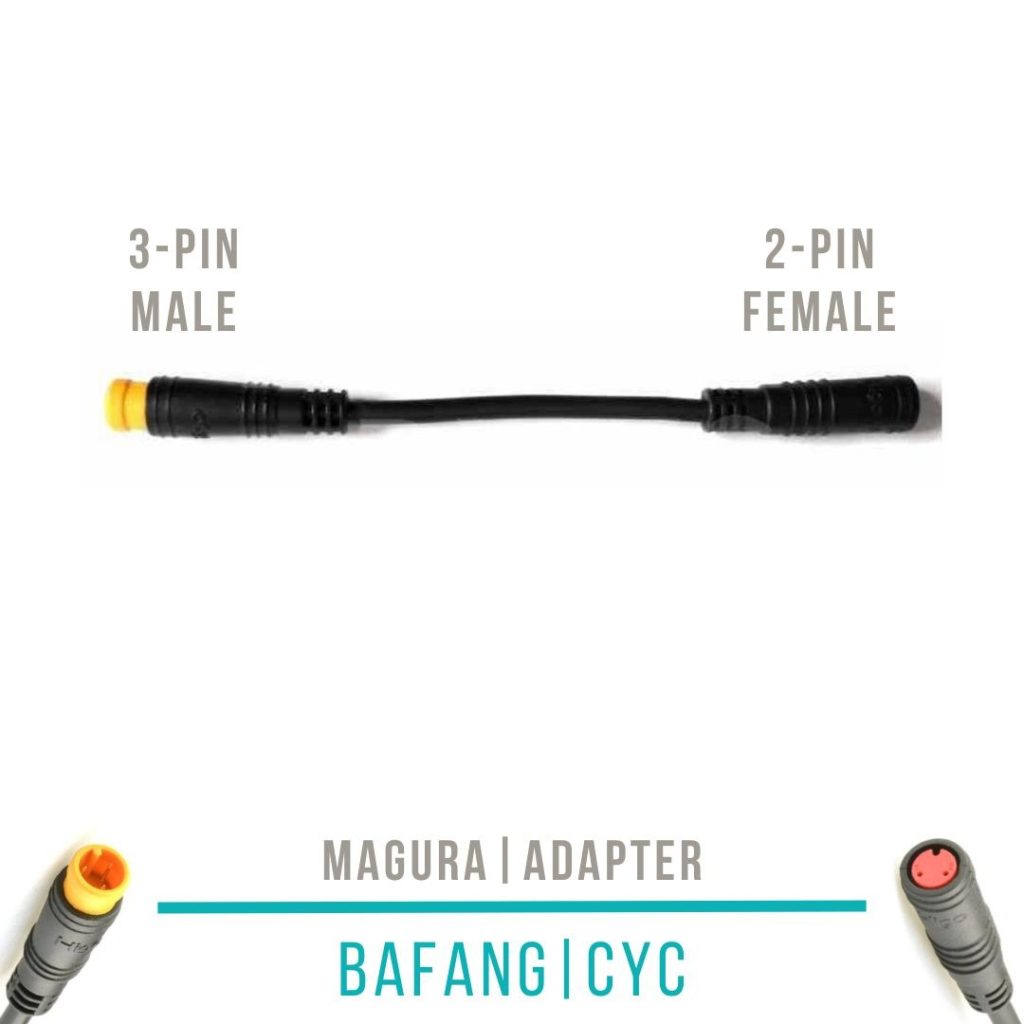
-29%
Magura MT5e adapter cable Bafang and CYC
Original price was: 25,20 €.17,90 €Current price is: 17,90 €. incl. VAT, plus shipping Verfügbar
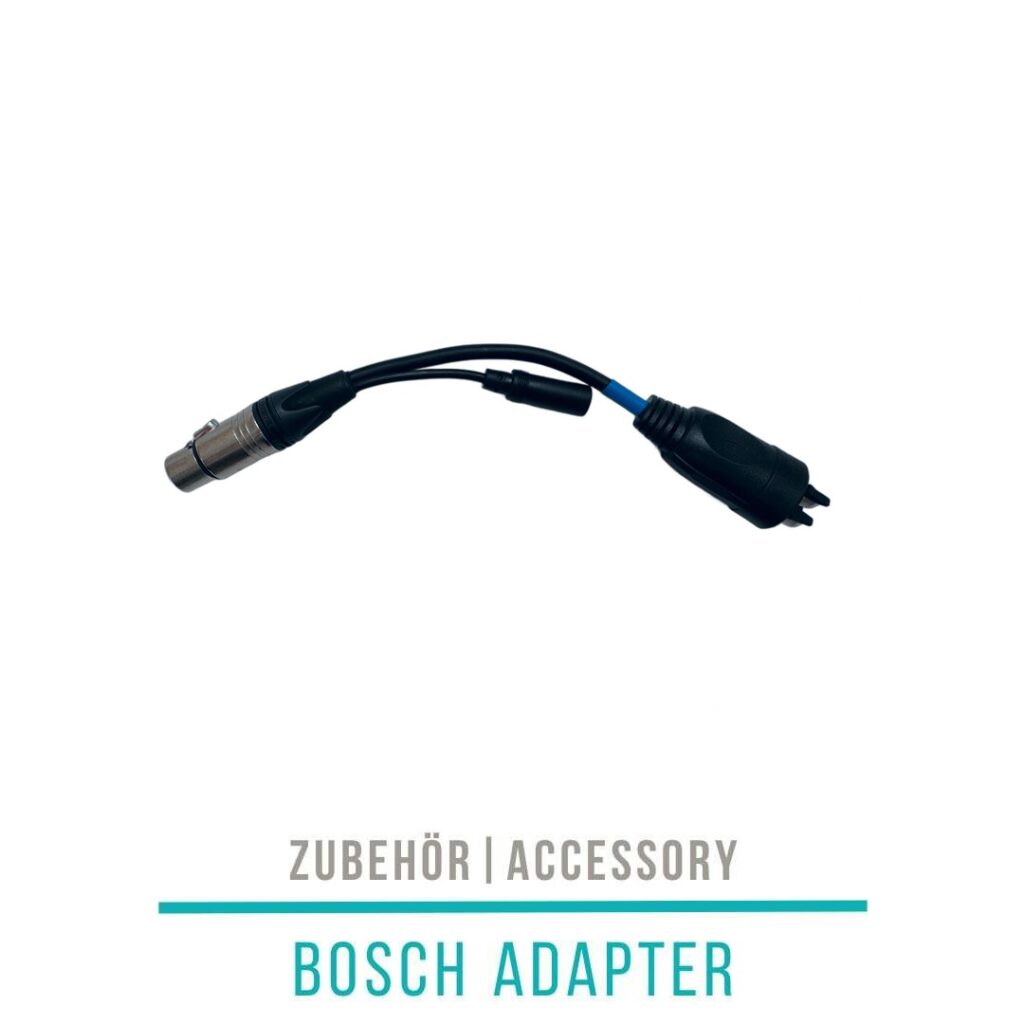
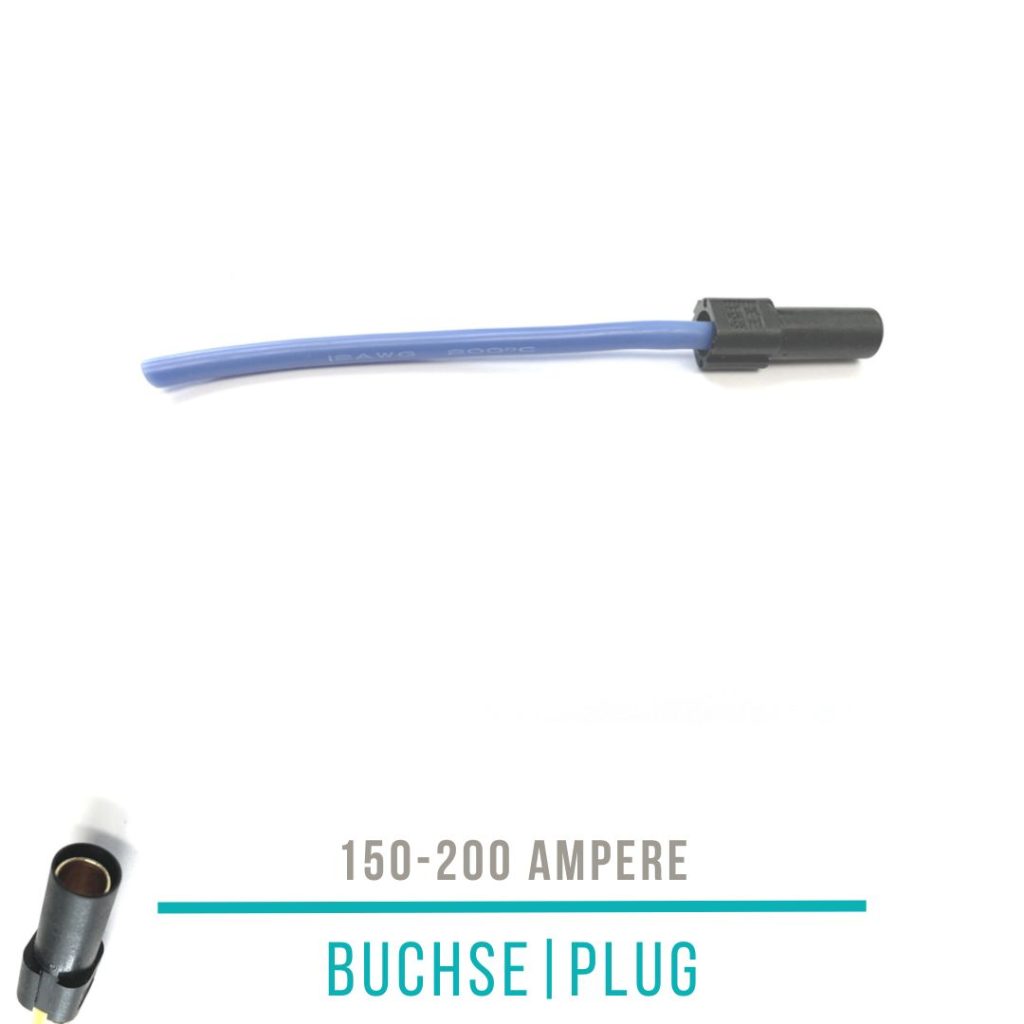
-23%
XT150 socket with cable AWG 10 12
Original price was: 3,01 €.2,32 €Current price is: 2,32 €. incl. VAT, plus shipping Verfügbar
Torsten Gabel (verified owner) –
Habe mir zuerst ein billiges Programmierkabel von Amazon gekauft. Das sieht aber nicht nur schlecht und “billig” aus (USB-Port) sondern mich nervte auch die kurze Kabellänge. Das Kabel von Fasterbikes ist zwar etwas teurer, dafür bekommt man aber auch “mehr” Kabel – ganze 2m sind einfach praktisch beim Programmieren. Zudem schauts auch nicht billig aus.
Torsten Gabel (verified owner) –
Habe mir zuerst ein billiges Programmierkabel von Amazon gekauft. Das sieht aber nicht nur schlecht und “billig” aus (USB-Port) sondern mich nervte auch die kurze Kabellänge. Das Kabel von Fasterbikes ist zwar etwas teurer, dafür bekommt man aber auch “mehr” Kabel – ganze 2m sind einfach praktisch beim Programmieren. Zudem schauts auch nicht billig aus.
Guntram Ebert (verified owner) –
Kommentar: Bei mir will es einfach mit der Verbindung nicht klappen. Habe es am Displaystecker und Laptop (Windows 10) eingesteckt, aber der Motor wird nicht angezeigt. Schade
Guntram Ebert (verified owner) –
Kommentar: Bei mir will es einfach mit der Verbindung nicht klappen. Habe es am Displaystecker und Laptop (Windows 10) eingesteckt, aber der Motor wird nicht angezeigt. Schade
Elias Gruber (verified owner) –
Die 2m sind echt super!!
Elias Gruber (verified owner) –
Die 2m sind echt super!!